
Templates / Brand and website
Brand book
You will have: a short book of your mark, colors, type and voice that any volunteer, printer or web designer can follow.
- 7 steps
- About 8 to 12 hours over two to four weeks
- Free
- Checked
You will need: Claude or ChatGPT, your logo and last bulletin, and a phone to photograph the building.
Every template comes with the steps to finish it with your AI.
Step 1 of 7: See how you look today
Your part
Gather what your church looks like today in one place on your computer: your logo files, your last bulletin, and photos of your sign and any flyers. In a new Claude chat, attach those files and the worksheet, paste the instructions below, and add your web address.
Claude’s part
Looks at all of it the way a designer would, before asking you anything. It says what a stranger sees first, what is working, and what was never really decided.
Instructions for Claude
I am attaching our church’s logo, our most recent bulletin, photos of our sign and flyers, and a worksheet called brand-worksheet.md. Our website is [web address]. Look at all of it as a designer would, before you ask me anything. Then fill in Step 1 of the worksheet: what a stranger sees first, in one short paragraph; two or three things that are working, each one specific; and what looks accidental, meaning it was never decided, such as typefaces that do not match, colors that came with a website template, or a logo that cannot be read when it is small. For each accidental thing, say where you saw it. Use plain words, and explain any design word the first time you use it. If you cannot open our website, say so, and I will send a screenshot of it on a phone. Hand the worksheet back to me as a file.
Faster with Church Labs: tell Claude “Build my brand”.
Get started to download: Brand worksheetYou sign in with a link by email. No password.You are done when
Step 1 of the worksheet is filled in, and each thing it calls accidental names where it was seen.
How St. Clement’s did it
The anchor was the strongest thing St. Clement’s had. Around it, nothing matched: the website gave its biggest spot to a cross in an arch that came with the page design, and the logo, the website and the bulletin each used different colors and typefaces. The logo existed only as a picture file, with no version for a sign or a dark ground.
Step 2 of 7: Answer what only you know
Your part
Answer one question at a time: first whether to keep your logo, then eight more. Say “nothing” or “I don’t know” where that is the truth.
Claude’s part
Asks each question with one sentence on why it matters, says your answer back to you, and writes it all into the worksheet in your words.
Instructions for Claude
I am attaching our brand worksheet (brand-worksheet.md). Interview me for Step 2, one question at a time. Ask first whether we keep our logo and build around it, or make a new one, and say plainly what each choice keeps and what it changes. Then ask the eight questions in the worksheet, in order. For each one, say in one sentence why it matters, wait for my answer, and say it back to me in one line before you ask the next. Never ask me to describe a feeling or a style in words; we will choose later by looking. When we are done, write my answers into Step 2 in my own words and hand the worksheet back to me as a file.
You are done when
Step 2 of the worksheet has the keep-or-new choice with its reason, and all eight answers. This page stays private.
How St. Clement’s did it
The pastor kept the anchor, the parish’s symbol for generations, and opened everything else, even the lettering of the name. One brand holds the church, the theater and the food pantry, and programs get no logos of their own.
Step 3 of 7: Choose a direction
Your part
Give Claude the worksheet, and your logo if you are keeping it. Look at three rough boards. Say what pulls you and what does not on each, then pick one idea. You may combine two.
Claude’s part
Makes three directions: two from the work you said you admire and a third, labeled the wild card, that is deliberately different. Each is drawn from something real about your church.
Instructions for Claude
I am attaching our brand worksheet with Steps 1 and 2 filled in, and our logo if we are keeping it. Make three directions for our brand. A direction is one idea, not a logo or a design. Build two from the work we said we admire, and make the third a wild card that fits who we are but is deliberately different; label it the wild card. Draw each idea from something real about us: the building, the street or our history. Show each one as a rough board: the idea in one line, what it learns from the work we admire, three or four color swatches, a headline typeface from Google Fonts, and rough sketches of a bulletin cover, an announcement for [a real upcoming event] and a social post. Leave an empty box where the logo will go, or, if we are keeping our logo, use it exactly as it is. Keep the boards rough, so I react to the idea and not the finish. Then ask me what pulls me and what does not on each, and which idea to follow. Write the boards, my reactions and my pick into Step 3 of the worksheet, and hand it back to me as a file.
Faster with Church Labs: tell Claude “Build my brand”.
You are done when
Your direction is written in one line in Step 3 of the worksheet, with why you chose it. You have picked an idea, not a logo or a layout.
How St. Clement’s did it
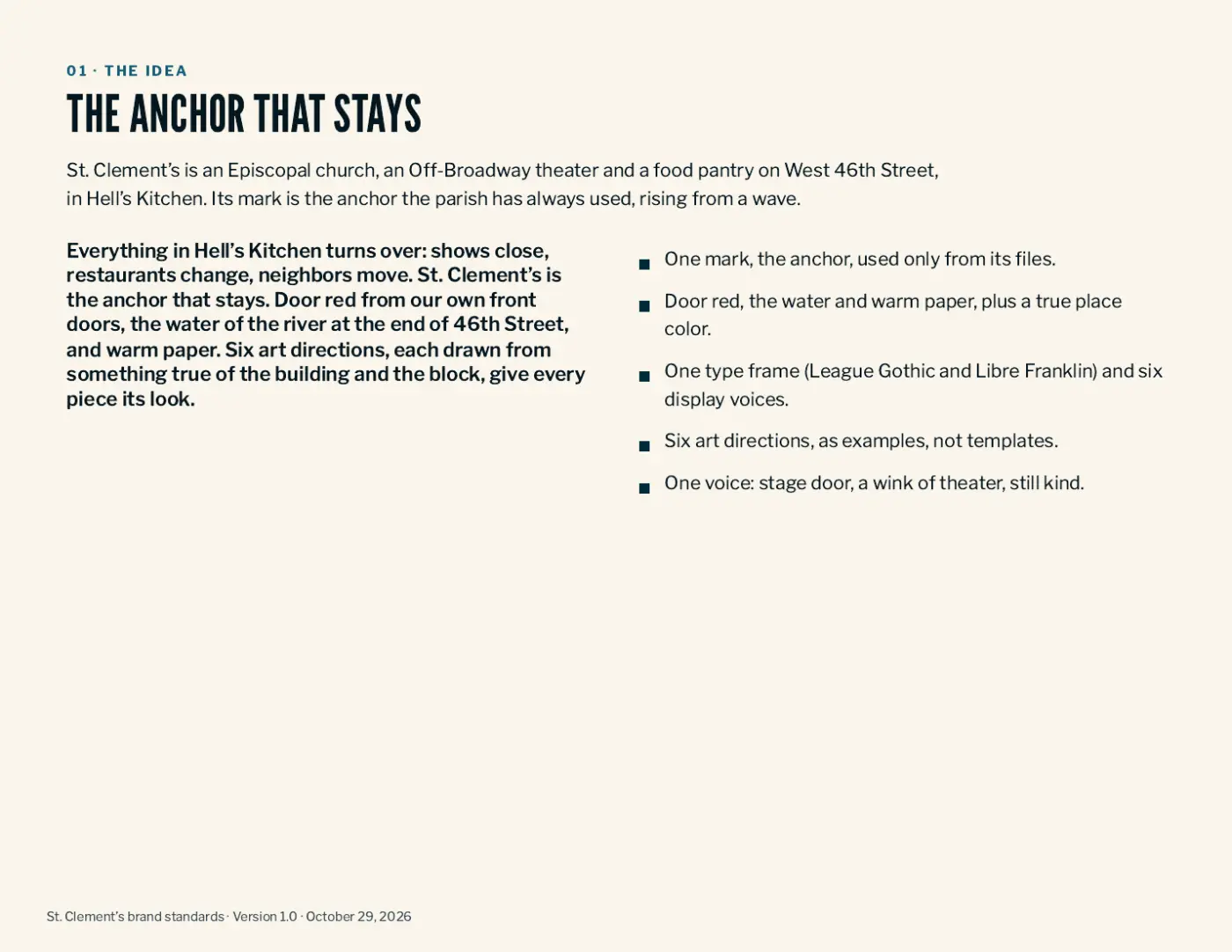
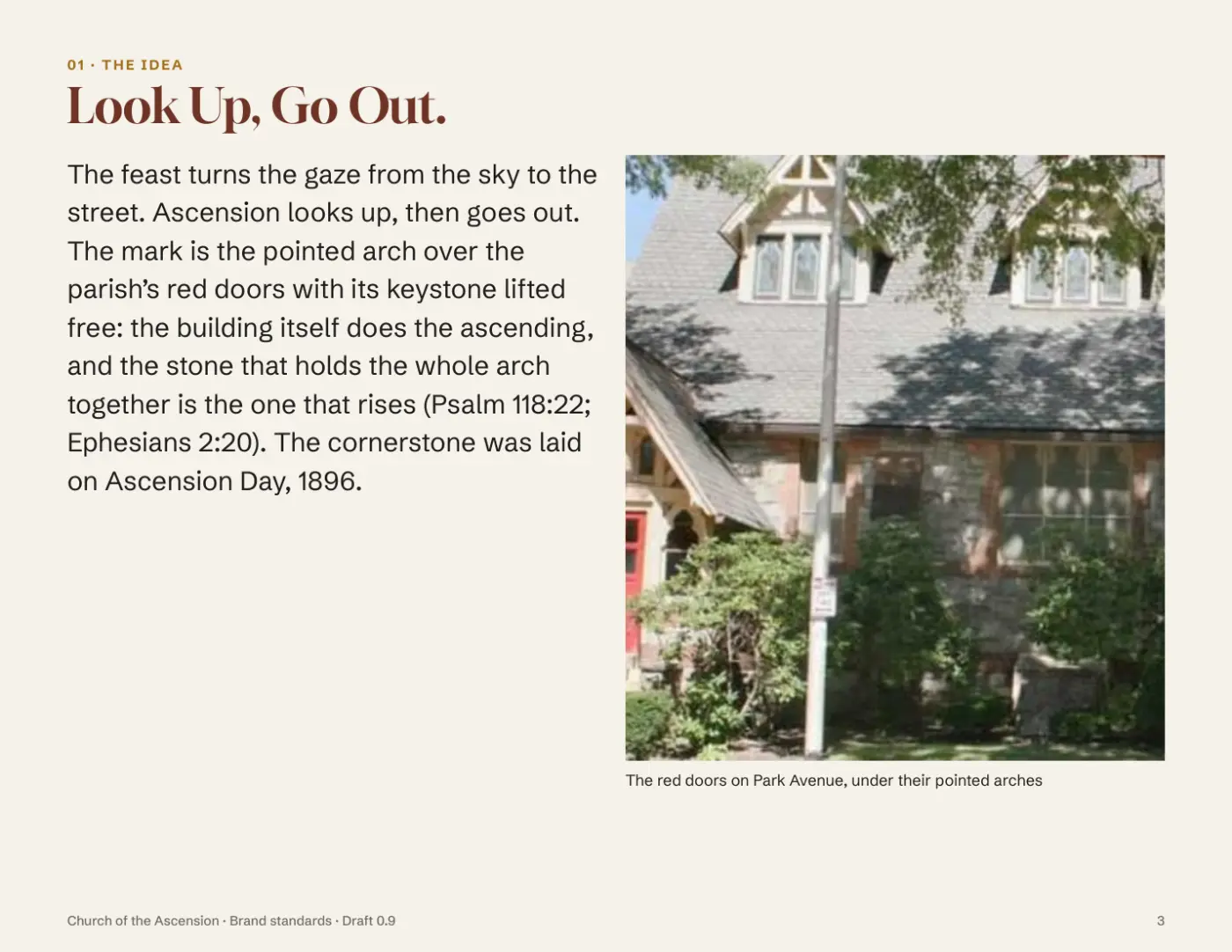
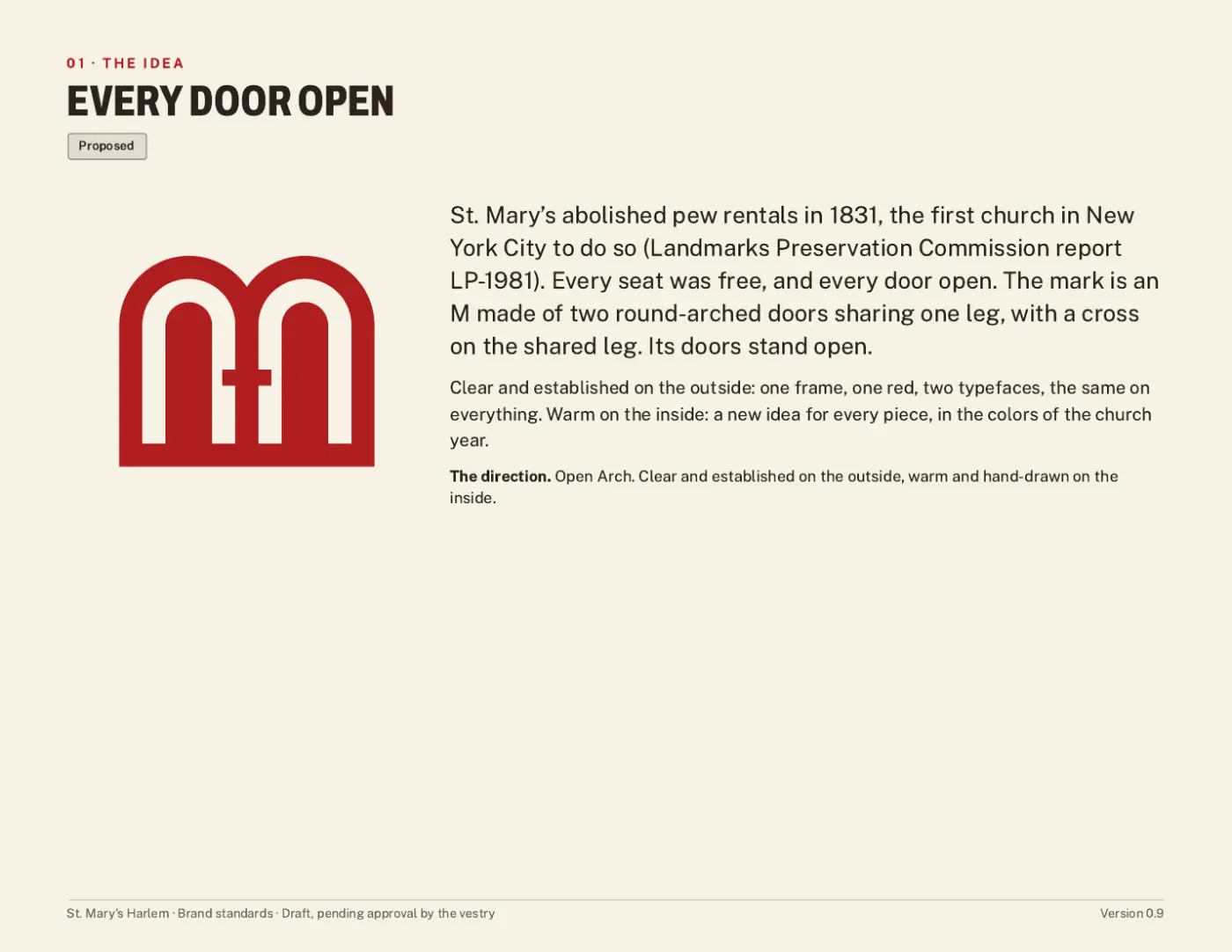
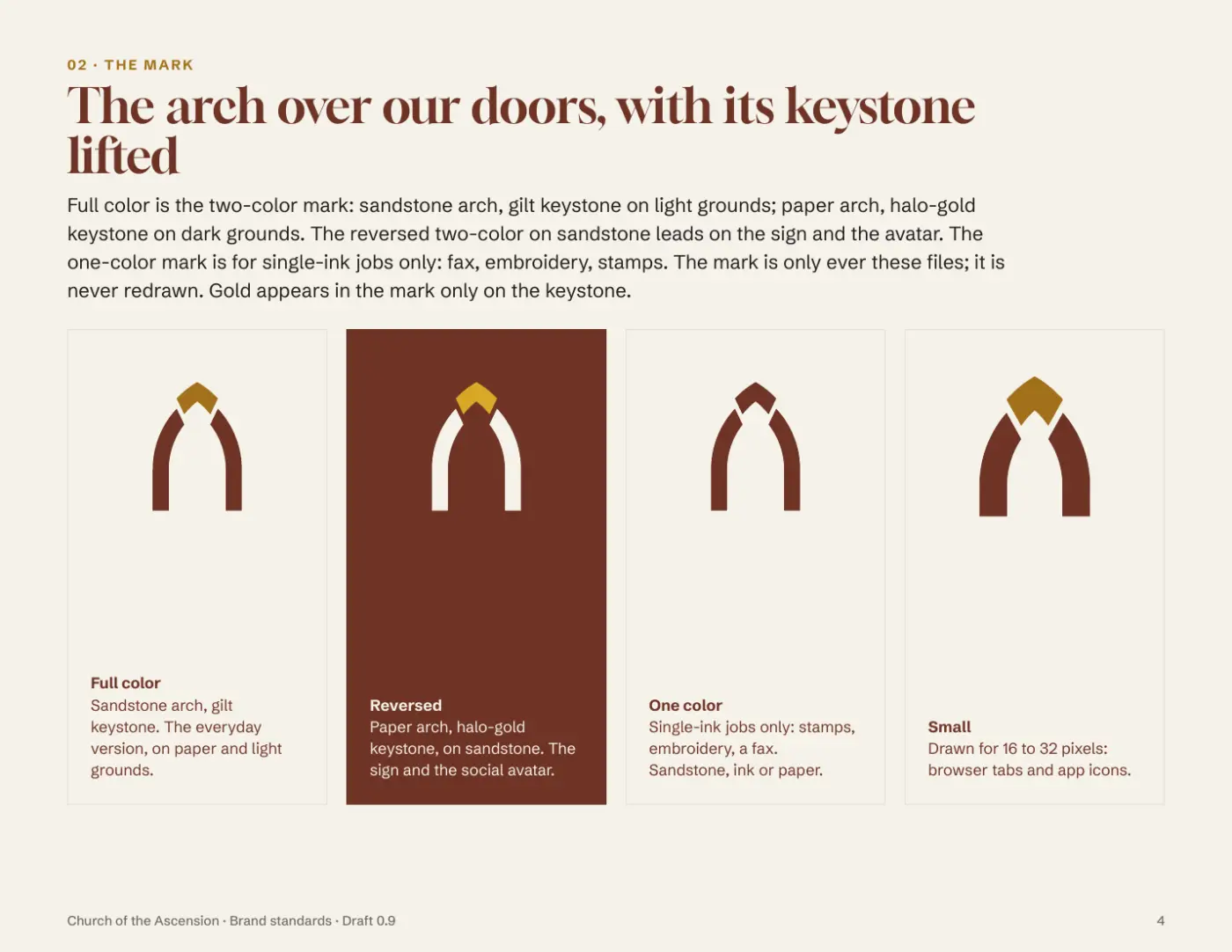
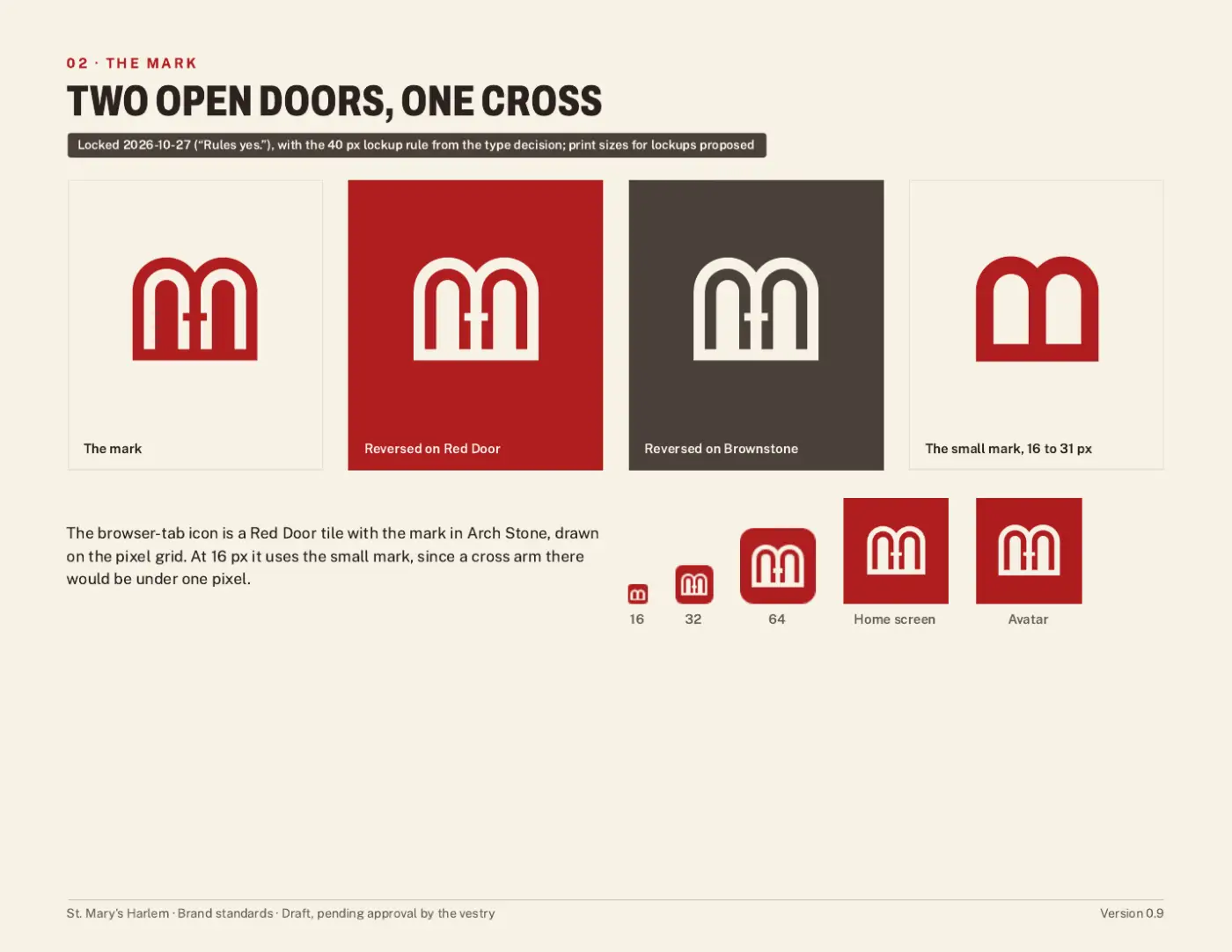
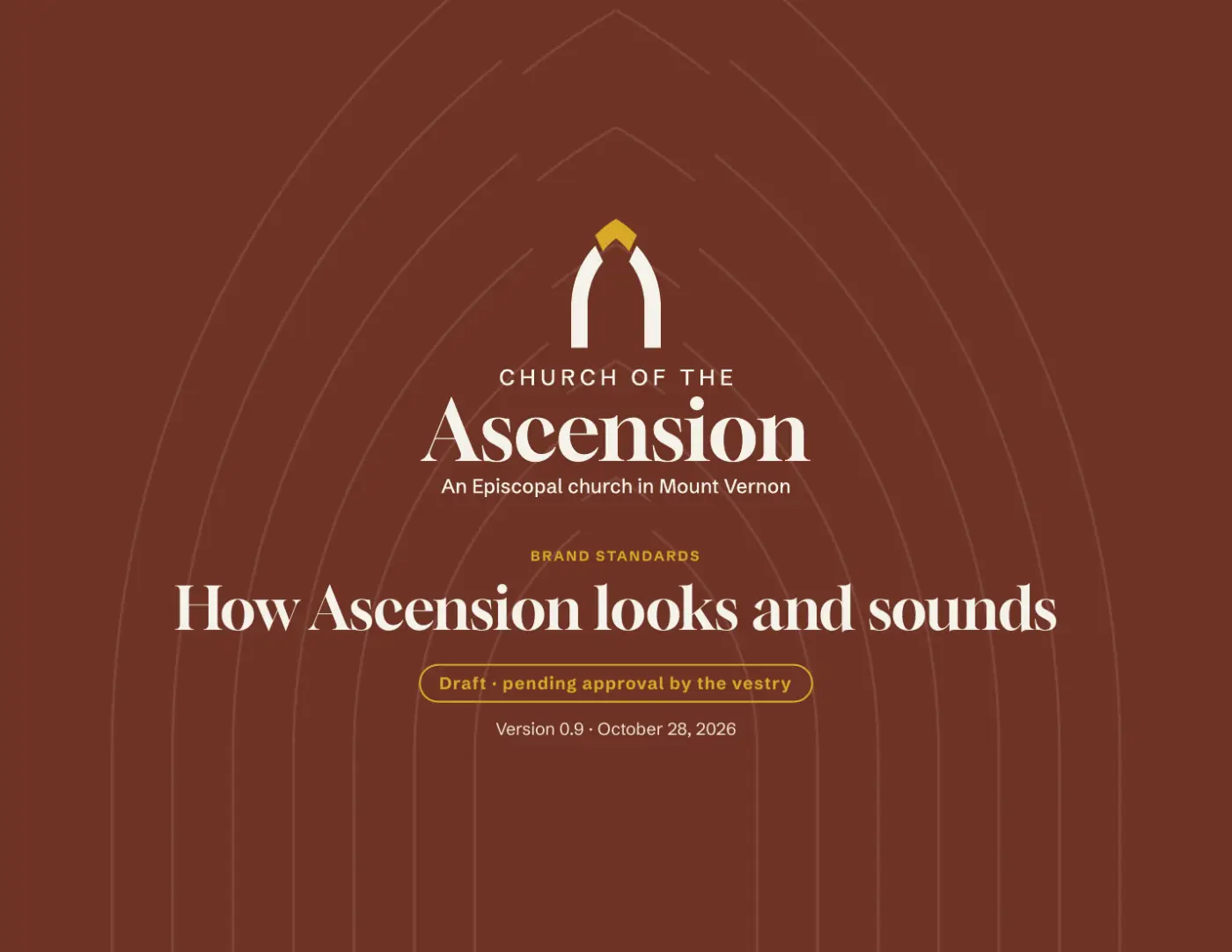
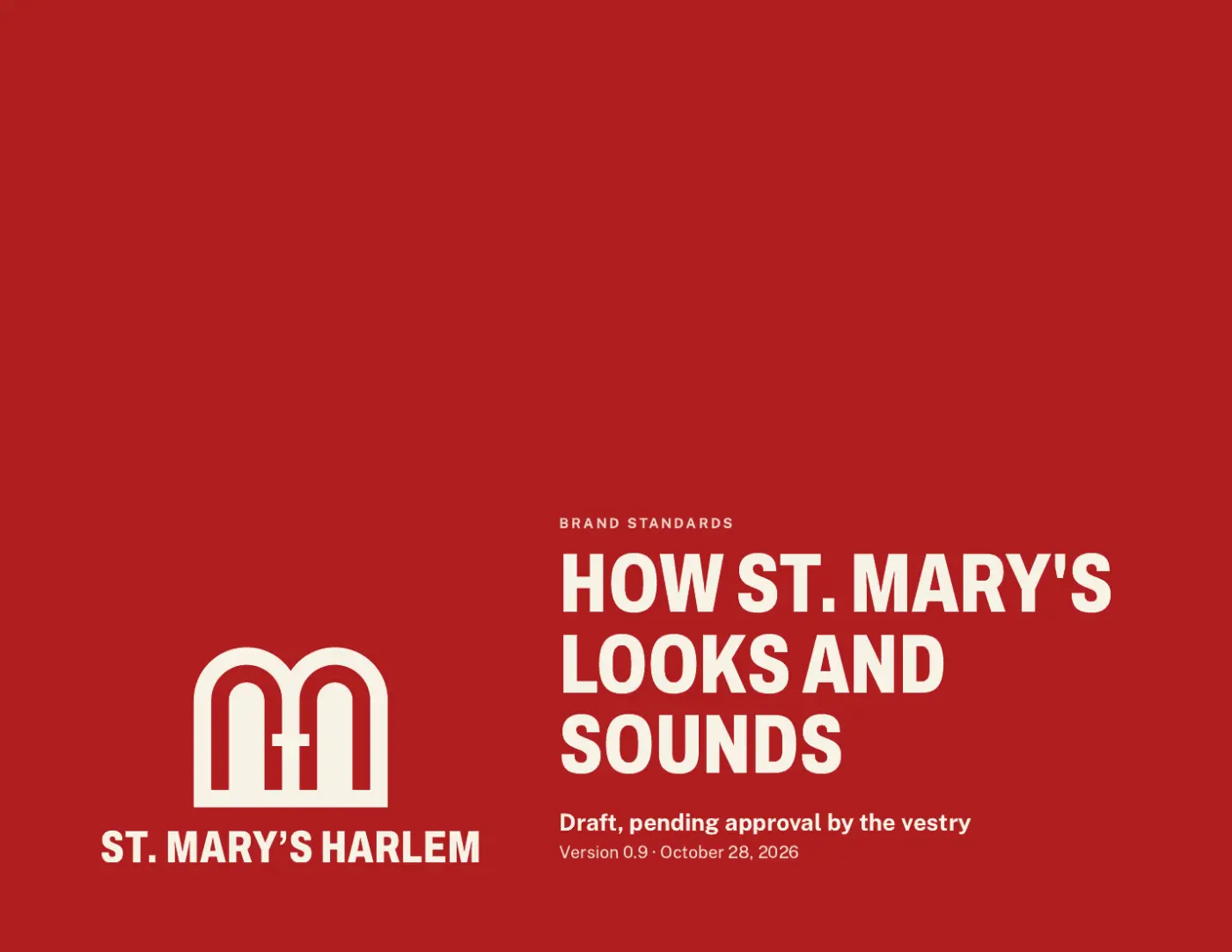
Everything in Hell’s Kitchen turns over: shows close, restaurants change, neighbors move. The direction St. Clement’s chose is the anchor that stays, and every page of the finished book still follows from it. Ascension’s idea is Look up, go out. St. Mary’s is Every door open.
Step 4 of 7: Settle the mark
Your part
Keeping your logo: find the biggest, cleanest file you have. Making a new one: run the prompts, save the drawings you like into brand/mark/, and pick one.
Claude’s part
Checks the mark at the size of a browser tab, in one color and reversed. For a new mark, it writes one prompt per idea, judges what comes back, and writes the edit that tightens the one you pick.
Keeping your logo
I am attaching our logo and our brand worksheet. We are keeping this logo. Check it four ways and show me each: at the size of a browser tab (16 pixels square), in one color (black on white), reversed (white on a dark color), and on a sign seen from across the street. Say plainly whether each one passes or fails. If it fails when small, suggest a simpler small version made only from parts of the logo, and say what you left out. If this file is too small or blurry for a sign, tell me what kind of file to ask our printer or original designer for. Write the results into the worksheet and hand it back to me as a file.
Making a new mark
I am attaching our brand worksheet, with our direction in Step 3. Write three prompts for an image model to draw a new mark for our church, each from a different idea that grows out of our direction and out of something real about us. Each prompt says what the mark is for (a bulletin cover, a sign, and a phone screen at the size of a fingernail), what it must keep, and what to avoid: no words, and no stock crosses or doves unless they are truly ours. End each prompt with: one flat dark color on a plain white ground, no text, three different versions. If you can make images, draw each prompt now and show me the results. If you cannot, give me the three prompts to paste into ChatGPT, one at a time, and I will bring back the drawings I like.
Then, to choose and tighten
I am attaching the drawings I liked best and our brand worksheet. Tell me which one reads best at the size of a browser tab and in one color, and why, in plain words. Then write a short edit prompt that keeps everything else the same and fixes only what would fail when small, for me to use with that image in the same image app.
You are done when
One mark, saved in brand/mark/, that reads at browser-tab size, in black on white and in white on your darkest color.
How St. Clement’s did it
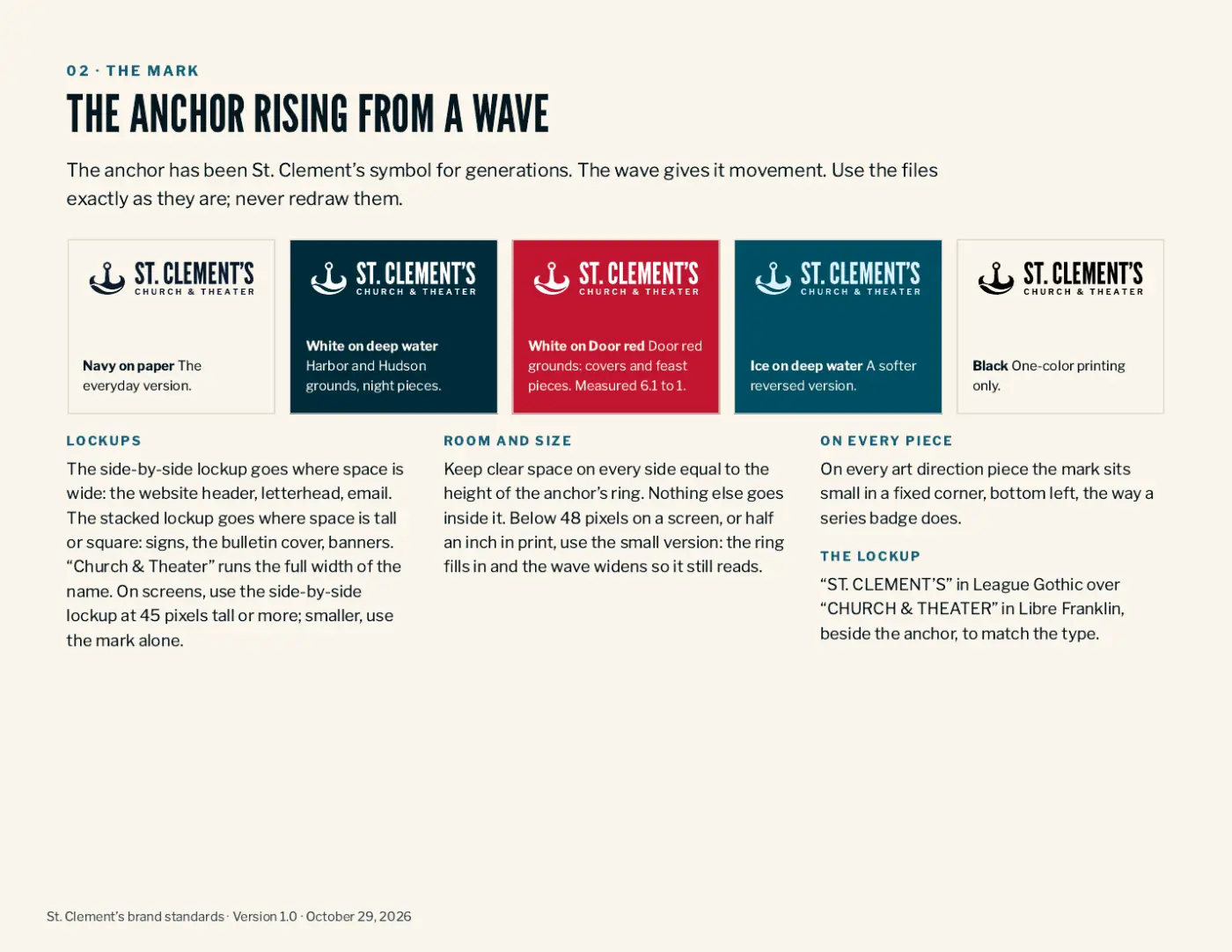
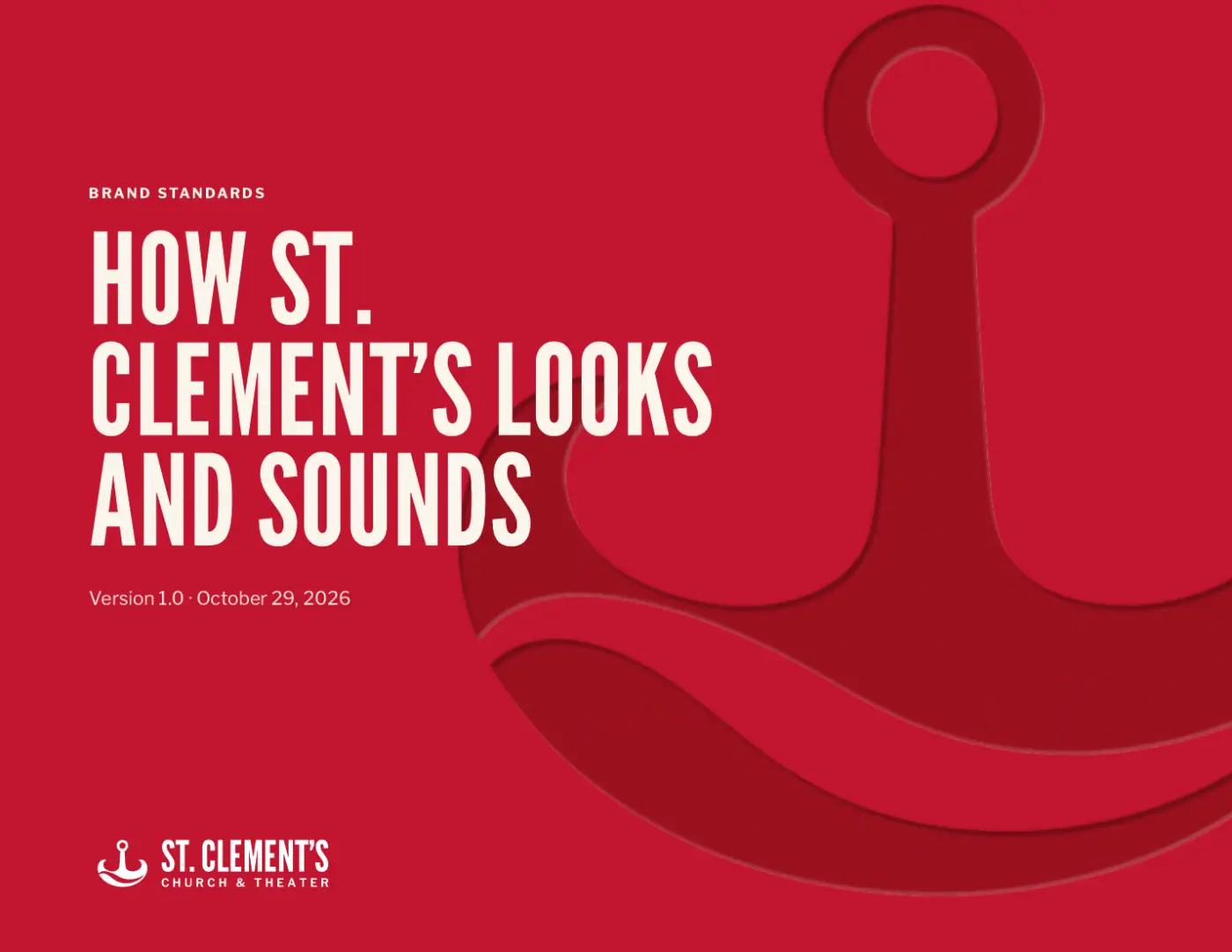
The first anchor drawn inside the direction was rejected. More than a hundred drawings followed, by hand, in code and from image models, before one held at every size: the anchor rising from a wave. It came from ChatGPT’s image model given a full brief for each idea, and was then traced into a file a sign maker can scale.
Step 5 of 7: Take your colors from the building, then pick type
Your part
In daylight, photograph three to five real things at your church: the doors, a window, the stone, the sign, the street. Pick a palette from the colors that come back, then one of three type pairings.
Claude’s part
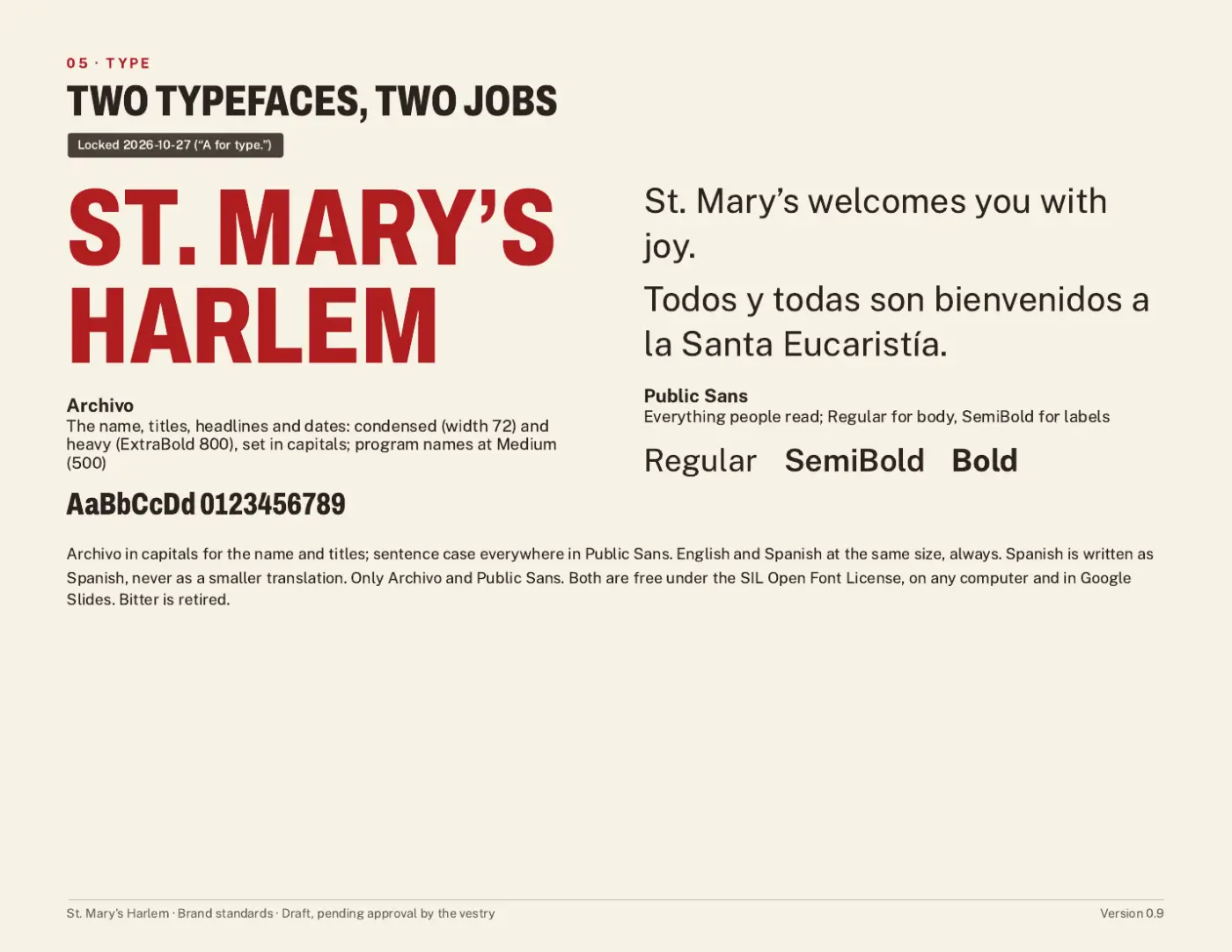
Takes a color from each photo and names it for where it came from, gives each color one job, checks which pairs are readable, and sets your name in three pairs of free typefaces.
Instructions for Claude
I am attaching photos of real things at our church and our brand worksheet. Take one color from each photo and name it for where it came from (for example, Door red), with its hex code. If you can run code, sample the color from the photo; if not, estimate it and say so. Propose a palette: one signature color for the one thing to do on a page, a light paper color for backgrounds, a dark ink color for words, and one or two others, each with one job. Check the contrast of every pair that would carry words, and mark any pair below 4.5 to 1 as not for ordinary text. Then show me three pairings of two free typefaces from Google Fonts, one for headlines and one for everything else, each set in our name, a service time and one sentence of a prayer, and name each license. After I choose, write the colors, the typefaces and my reasons into the worksheet and hand it back to me as a file.
You are done when
The worksheet names two or three colors with their codes and jobs, a paper and an ink color, two free typefaces with their licenses, and why you chose them.
How St. Clement’s did it
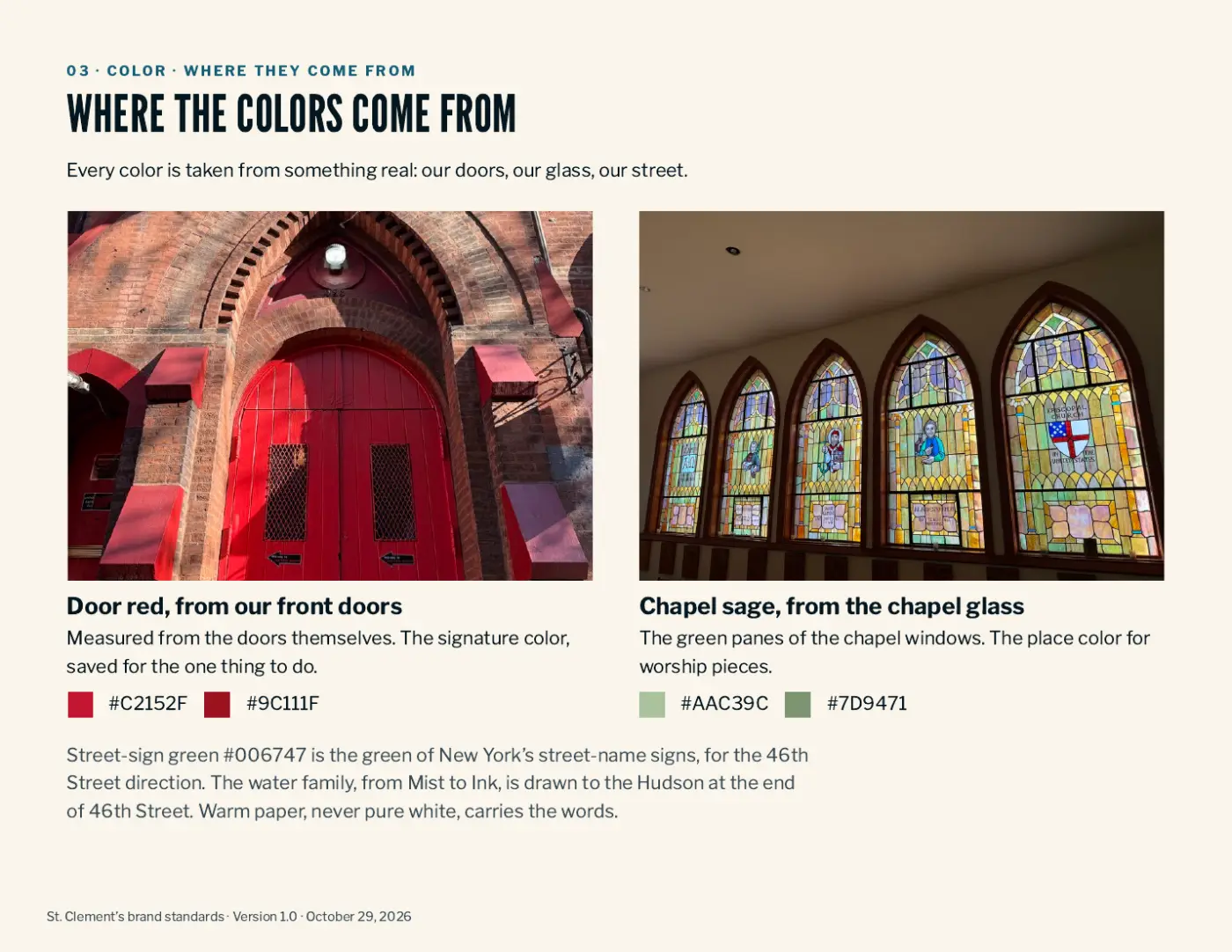
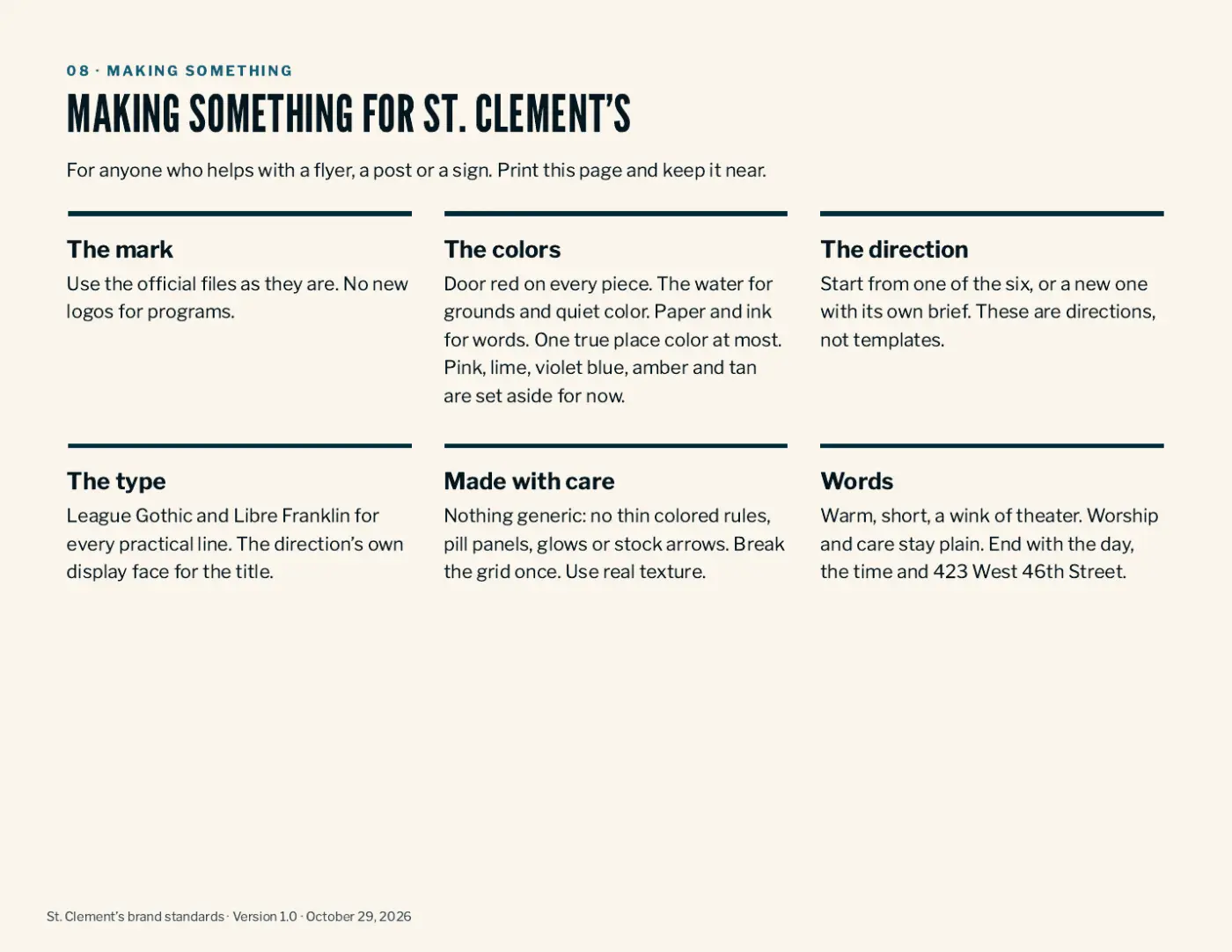
The first palette and typefaces, chosen on screen, were replaced before the book was final. The colors that lasted were measured from real things: the red of the front doors on West 46th Street, the green panes of the chapel windows, and the river at the end of the street. The type is League Gothic and Libre Franklin, both free.
Step 6 of 7: Find your voice
Your part
Read three of your own notices, each rewritten three ways, and pick the one that sounds like you at your best.
Claude’s part
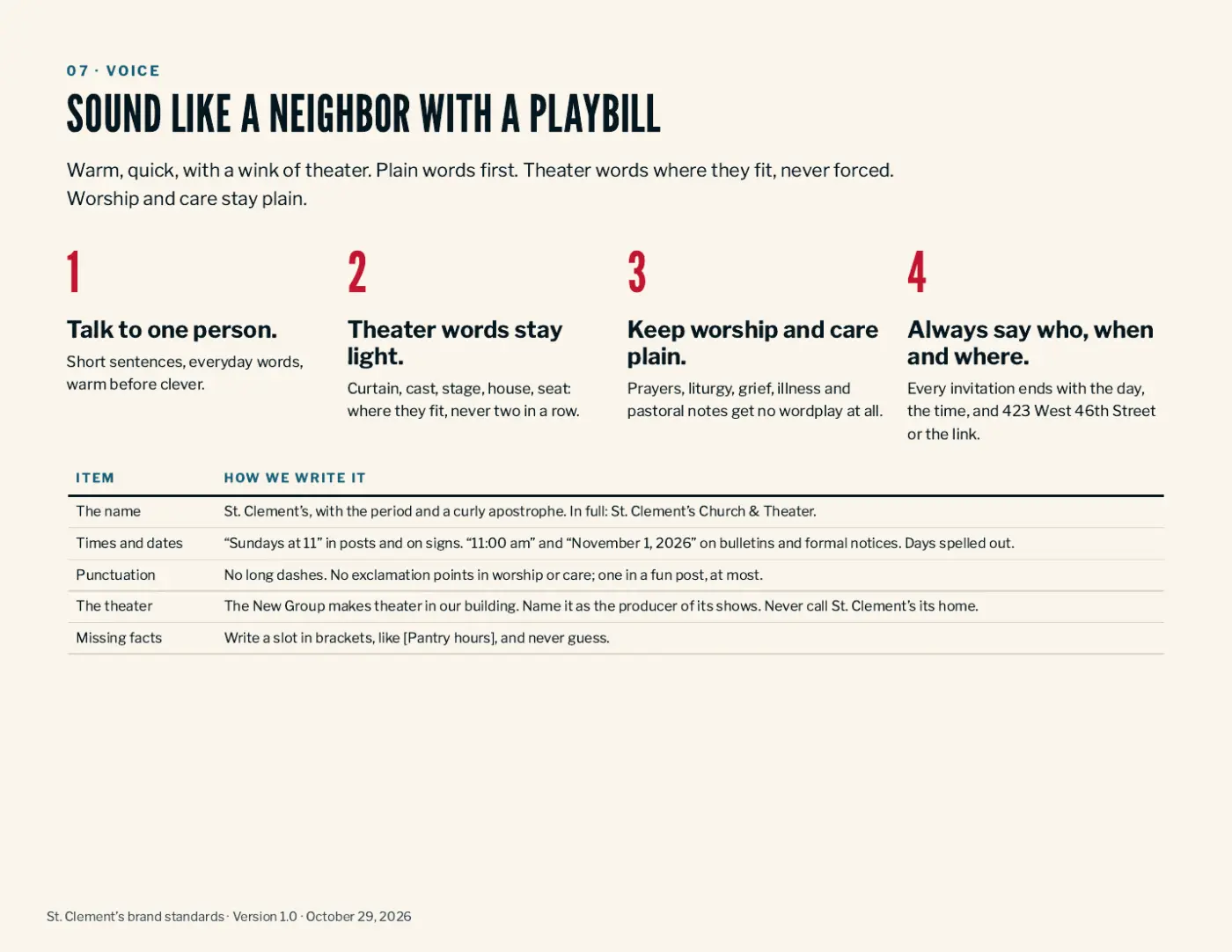
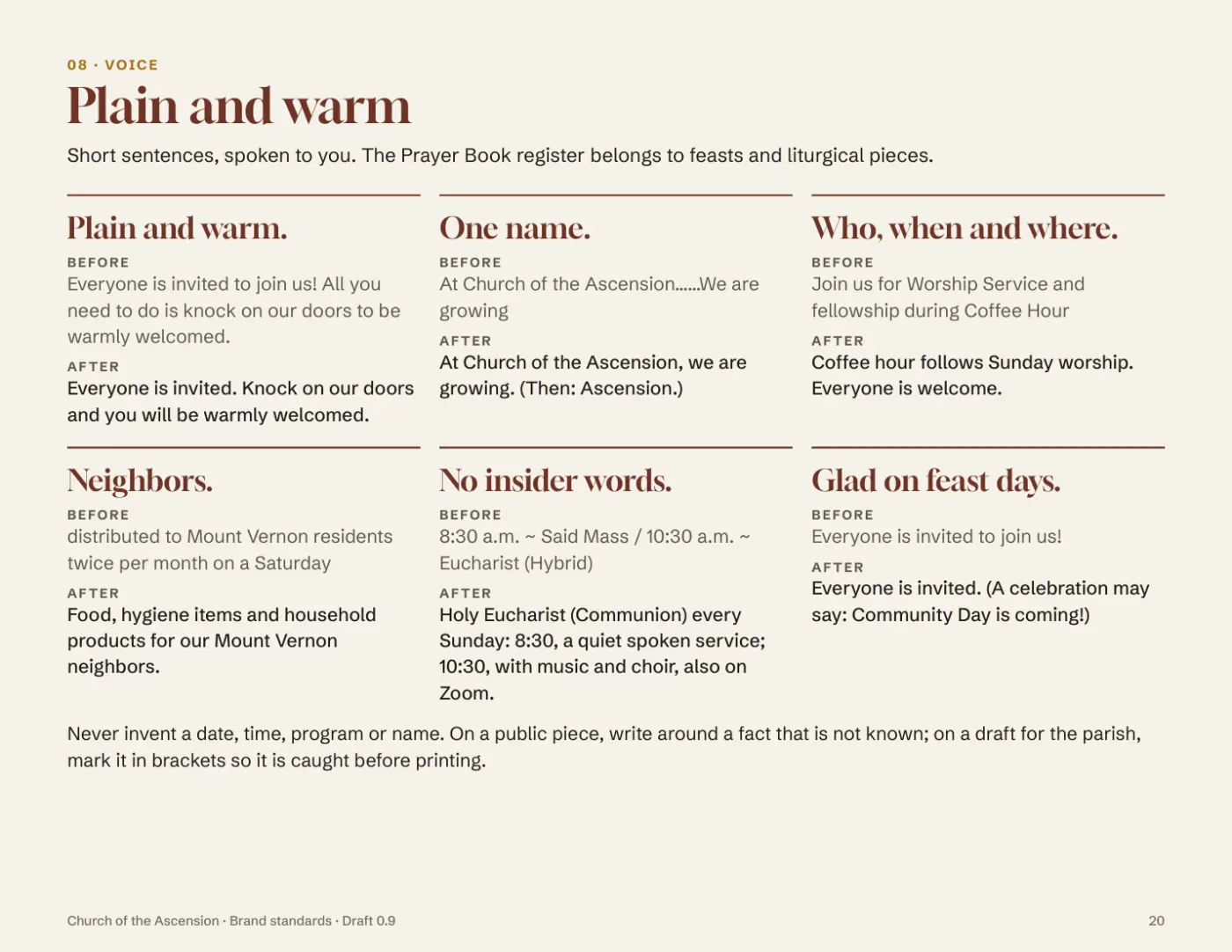
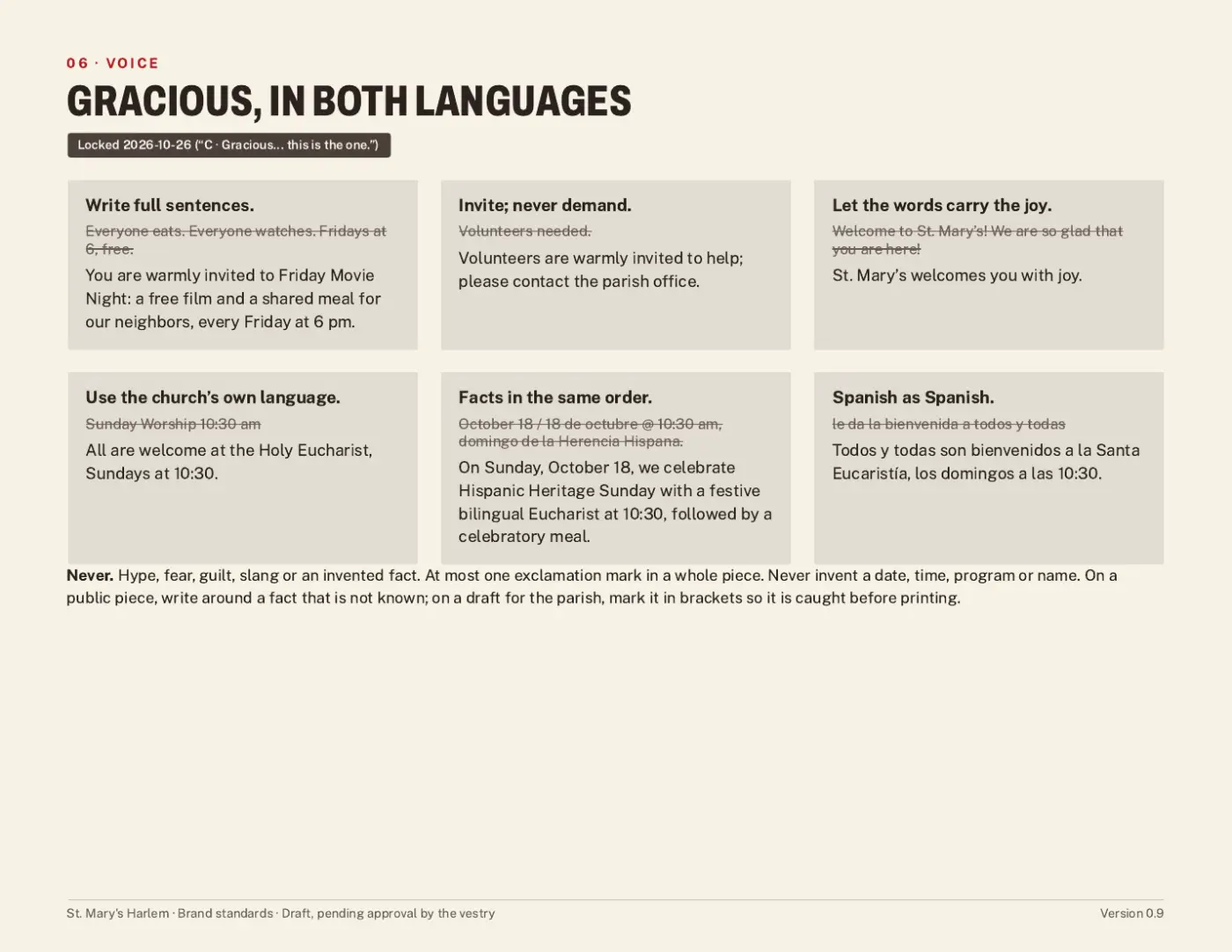
Rewrites real notices from your bulletin, then turns your picks into four rules, each with a before and after.
Instructions for Claude
I am attaching our last bulletin and our brand worksheet. Take three real notices from the bulletin, such as an event, a request for volunteers and a welcome. Rewrite each one three ways: plainer, warmer, and with more of the character we chose in the worksheet. Show the three side by side and ask me which I prefer for each notice. Keep prayers, worship and pastoral care plain in every version. From my picks, write four rules for how we write, each with a before and after taken from these notices, and a line on how we write our name, times and dates. Write them into the worksheet and hand it back to me as a file.
You are done when
Four rules for how your church writes are in the worksheet, each with a real before and after. Worship and pastoral care stay plain in all of them.
How St. Clement’s did it
St. Clement’s sounds like a neighbor with a playbill: warm, quick, with a wink of theater, and plain for worship and care. Every invitation ends with the day, the time and the address. Ascension chose plain and warm. St. Mary’s writes graciously, in English and Spanish.
Step 7 of 7: Write the book and hand it on
Your part
Read the book Claude writes and fix what is wrong. Give chapter 8 to a volunteer and ask them to make one announcement from it. Give the vestry the brand book, not the worksheet.
Claude’s part
Writes the brand book from your worksheet, chapter by chapter, leaving out your private answers. Then checks the volunteer’s announcement and says what in chapter 8 caused any slip.
Write the book
I am attaching our filled-in brand worksheet, the brand book template (brand-book.md) and our mark. Write our brand book from the worksheet, chapter by chapter, following the notes in italics and then deleting them. This book goes to volunteers, printers and the vestry, so leave out my interview answers and anything private, and give each reason in your own words, not as a quote. Explain a design word the first time it appears. Before you write, ask me, one at a time, for anything only I can answer that the worksheet leaves out, such as who checks work before it goes out. For technical details I am unlikely to know, such as sizes, the space around the mark and print color values, propose a sensible value and mark it (proposed) for me to confirm. Leave [brackets] only where neither works, and list them at the end. Hand it back to me as a Word document with the mark on the cover, set in our typefaces and colors. If our typefaces are not available to you, use the stand-ins from chapter 5 and tell me.
Then, the volunteer test
I am attaching our brand book and an announcement a volunteer made using only chapter 8. Check the announcement against the whole book: the mark, the colors, the type and the voice. List anything that breaks a rule. For each one, say what in chapter 8 was unclear enough to cause it, and suggest the smallest change to chapter 8 that would have prevented it.
Get started to download: Brand book to fill inYou sign in with a link by email. No password.You are done when
The brand book has no [brackets] left and is saved in brand/ as a Word file and a PDF. A volunteer has made one announcement from chapter 8 without asking you how.
How St. Clement’s did it
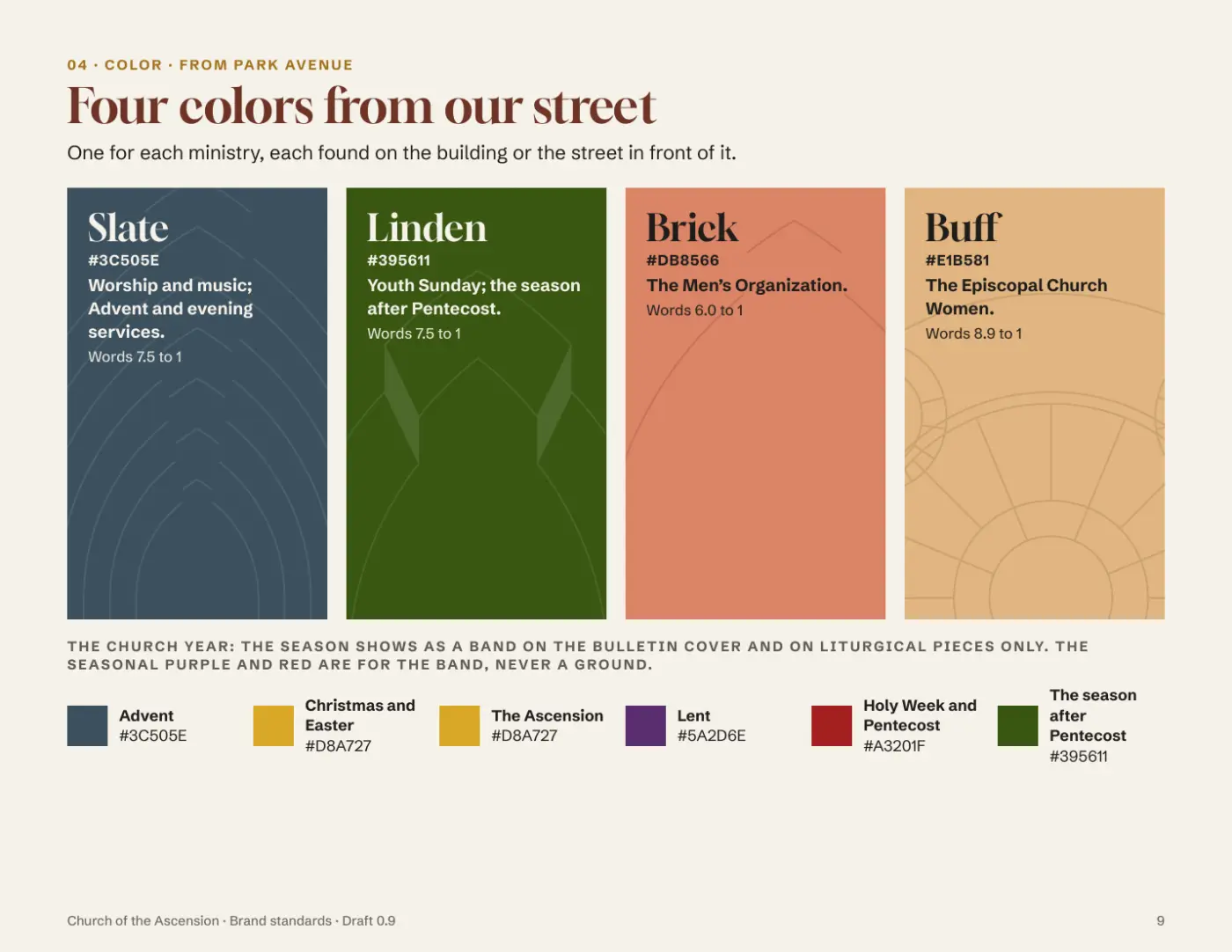
St. Clement’s version 1.0 is 30 pages, dated October 29, 2026, six weeks after the first interview. It tells readers on its contents page that most people need only one chapter, Making something. Ascension’s and St. Mary’s books went to their vestries as drafts, to be approved before anything is final.
When you finish
Next in Brand and website: Church website. Bring what you made to the open house and show it.
The weekly open house
Free and live. Next: Monday, November 30 at noon Eastern, on building great vestry reports with Claude. Bring what you are working on.